Smart routing
Continuously measures the network and picks the best path, switching lines without interrupting your session.
QuickQ combines worldwide dedicated bandwidth with smart routing to keep streaming, gaming, remote work and AI tools fast and stable.

Continuously measures the network and picks the best path, switching lines without interrupting your session.
Routes optimised for AI chat and generation services, so long sessions run without timeouts or drops.
Windows, macOS, iOS, Android, Linux and router setups - one account works everywhere.
Standards-based encryption protects your traffic, including on public Wi-Fi.
Dedicated capacity is allocated on demand, keeping throughput high during peak hours.
Real people online around the clock, with most questions answered within minutes.
Dedicated channels help you play international streaming libraries at higher bitrates with fewer stalls and less quality downgrading, even on several screens at once.


Gaming routes reduce packet loss and jitter so team fights stay responsive on both mobile and desktop titles.
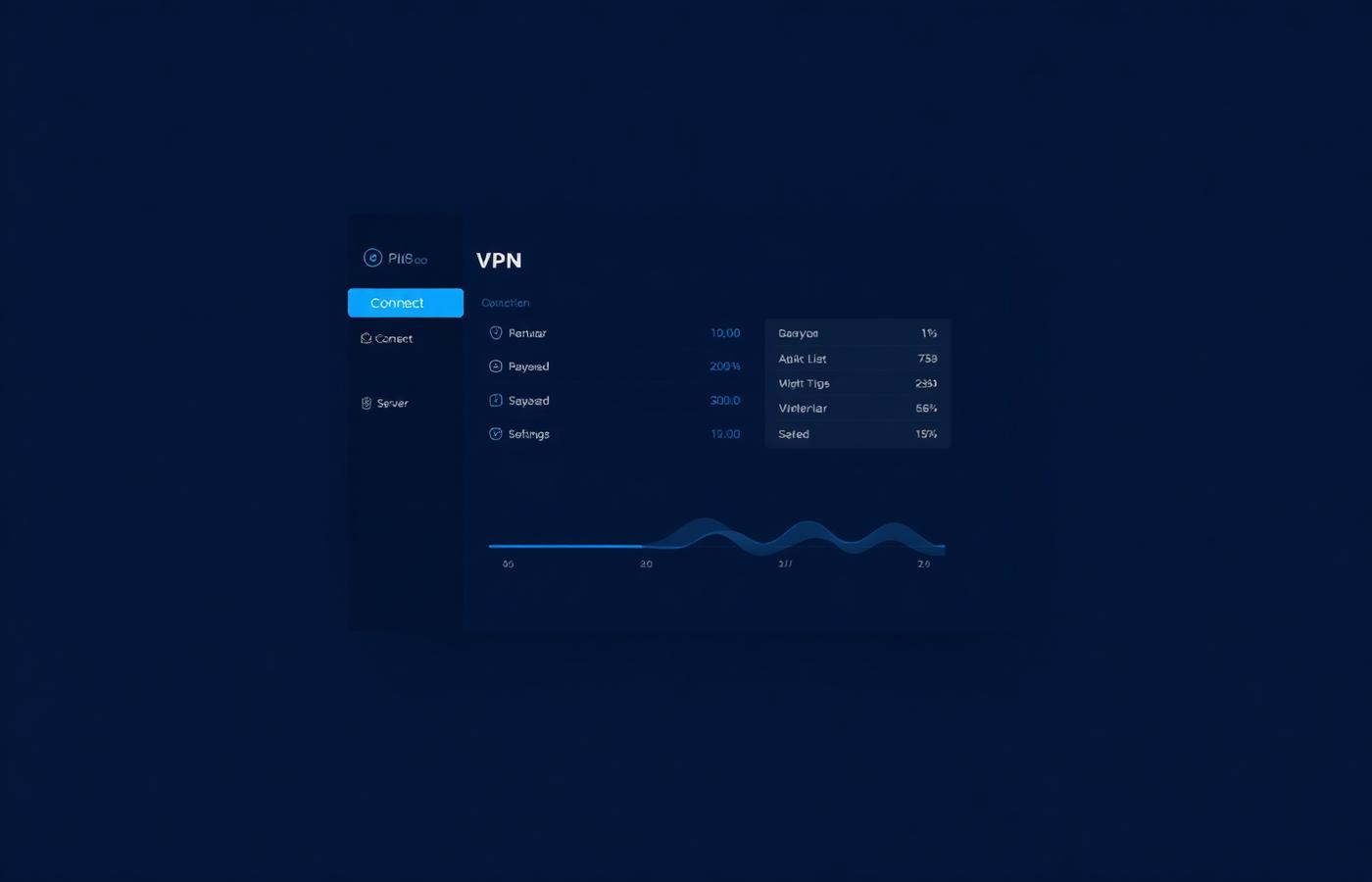
Open and connect. Node list, live speed and traffic stats are all on one screen, and per-app routing lets you accelerate only what you need.
Windows, macOS, iOS, Android and Linux, plus routers, smart TVs and major browser extensions. One account can be used on up to 3 devices at the same time.
Yes. Download the app, create an account and try the basic acceleration features; upgrade any time to unlock every node.
Manage your subscription from the account page inside the app. Cancel whenever you like and keep access until the end of the current period.